YouTube Ads for SaaS and AI Companies: A B2B Playbook for 2026
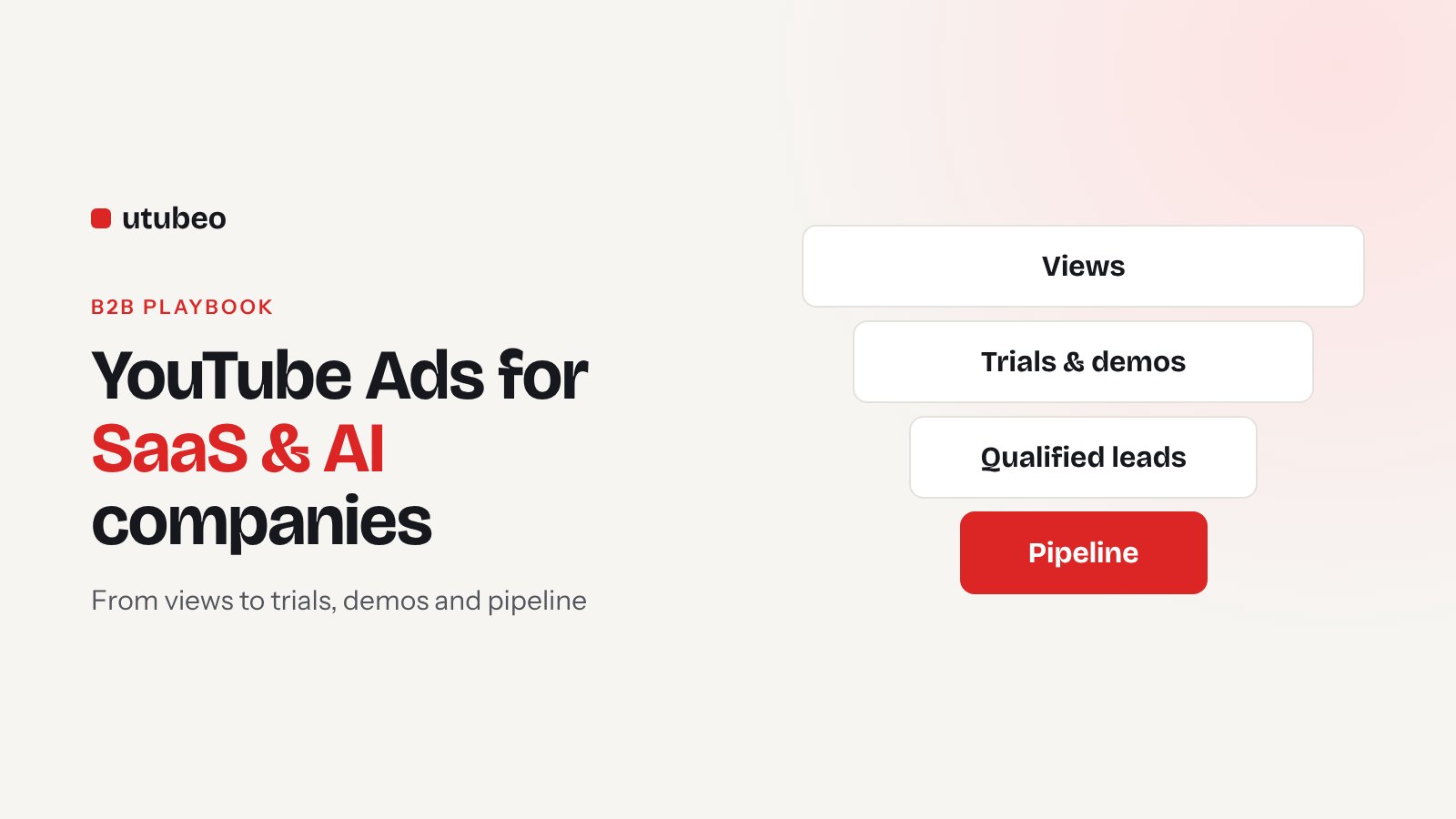
B2B buyers watch YouTube to learn, compare tools and see a product before they talk to sales. This playbook shows how SaaS and AI companies can turn that into trials and demos, without paying for millions of cheap views.
Get a free YouTube Ads audit
Aleks reviews your account, tracking and creative — then sends a written action plan within 5 business days.
Think about the last time you picked a new software tool. You probably read a few reviews, then went to YouTube and searched "[tool] demo" or "[tool] vs [other tool]". You watched someone use it. That's where many SaaS and AI buyers make up their mind, long before they book a call with sales.
So YouTube can be a very good channel for B2B software. The problem is that most SaaS companies run it like a brand campaign. They pay for views, celebrate a low cost per view, and then can't find a single demo in the CRM. Here is the setup I use for SaaS and AI companies instead.
Why B2B YouTube is different from ecommerce
An online store can sell on the same day someone watches the ad. Software rarely works that way. There's a trial, a demo, sometimes a few people who need to agree, and weeks before money comes in. That changes almost every decision in the account.
| Ecommerce | SaaS and AI | |
|---|---|---|
| Main conversion | Purchase | Trial, demo request, then qualified lead |
| Time to revenue | Same day to a few days | Weeks to months |
| Best targeting | Shopping-intent segments, product feed | Customer lookalikes, problem and competitor search terms, remarketing |
| Best video | Product in use, offer on screen | Screen recording that solves one problem |
| How to judge it | ROAS | Cost per qualified lead and pipeline from CRM |
Step 1: choose the right conversion
This decides everything. If your campaign optimizes toward "sign-up page view" or "watched 50% of the video", Google will find people who do exactly that, and they are rarely buyers.
Start with the first real step: a trial sign-up or a demo request. As soon as you can, send better signals back from your CRM, like "qualified lead", "trial activated" or "deal won", and give them values. Then Google learns which kind of people actually become customers, not just who fills forms.
One thing to know: Google's new view-through conversion optimization for Demand Gen doesn't support offline conversions from your CRM. So for B2B, the CRM import is still the most important part of the setup.
Step 2: build audiences from what you already know
YouTube doesn't let you target by job title or company size the way LinkedIn does. You get there in other ways:
- Customer list lookalikes. Upload your paying customers and let Demand Gen find similar people. For many SaaS accounts this is the best cold audience.
- Problem search terms. Custom segments built from what buyers type when they have the problem, for example "automate invoice approval" or "AI call transcription for sales teams".
- Competitor terms. Names of the tools you replace, plus "alternative" and "vs".
- Remarketing. Pricing page visitors, trial users who didn't activate, demo no-shows.
Keep the remarketing campaign separate. It will look much cheaper, and you don't want it to hide how the cold campaign is doing.
Step 3: make videos that show the product
B2B buyers want to see the product working. The format that wins most often is simple: a person on camera for a few seconds, then the screen, solving one specific problem in under a minute.
| Video idea | Length | Best for |
|---|---|---|
| "Watch me do X in 30 seconds" screen demo | 30–60 s | Cold audiences, trials |
| Founder explains the problem and the fix | 45–90 s | AI tools that need trust |
| Before / after workflow | 20–40 s | Shorts and in-feed |
| Customer explains the result | 30–60 s | Remarketing, demo requests |
| "[Your tool] vs [competitor]" honest comparison | 60–120 s | Competitor custom segments |
For AI companies especially, show the real output. People have seen a lot of AI promises. A real screen with a real result builds more trust than any animation. Make vertical versions for Shorts too, they are cheap reach for B2B.
AI video tools can help you make many versions fast. What they can't do is tell you which version to keep, which audience is wasting money, or why trials don't activate. That part still needs someone reading the account every week.
Step 4: send people to the right page
Don't send cold YouTube traffic to your home page. Make one landing page per main video idea, with the same promise as the ad, a short demo clip, and one clear action. For a trial, ask for as little as possible. For a demo, add a qualifying question or two, like team size, so sales doesn't waste time.
Step 5: set a budget and give it time
Google recommends a Demand Gen daily budget of more than 20 times your expected cost per conversion. For SaaS, where a trial might cost $50 to $150, that's a lot. A practical way to start:
- Start with remarketing and customer lookalikes, they need less budget to learn.
- Optimize for trials or demo requests first, because you get more of them than qualified leads.
- When you have steady conversions and CRM data flowing back, switch to qualified leads with values.
- Judge cold campaigns after four to six weeks, not after one.
Step 6: report on pipeline, not views
Your weekly report should answer one question: did YouTube bring qualified pipeline at a cost we can live with? So track cost per trial, cost per qualified lead, trial-to-paid rate for YouTube users, and pipeline value from YouTube in your CRM. Also watch branded search. When YouTube works for B2B, more people search your company name.
Common mistakes I see in SaaS accounts
- Optimizing for views or clicks and hoping demos follow.
- One video, made for a brand launch, running for a year.
- Sending everyone to the home page.
- No CRM data going back to Google Ads, so the algorithm never learns what a good lead is.
- Killing the channel after two weeks because the sales cycle is longer than the test.
Next step
If you run a SaaS or AI product and want to try YouTube properly, the 30-day YouTube Ads Launch sets up tracking, audiences and the first campaigns. If you already spend and want it managed every week, see monthly YouTube Ads management. You can read more about how I work with SaaS companies and AI companies, or check your own account with my 30-point audit checklist.
Want a second pair of eyes on your account before you scale spend?
Book a YouTube Ads AuditFrequently asked questions
Do YouTube Ads work for B2B SaaS?
Yes, when you track the right result. B2B buyers use YouTube to research tools and watch demos. Campaigns that optimize for trials or demo requests, with data sent back from the CRM, can bring good pipeline. Campaigns that optimize for views usually don't.
What should a SaaS company track as the conversion?
Start with a trial sign-up or demo request as the primary conversion. When you have enough volume, import qualified leads or activated trials from your CRM and optimize toward those.
How much budget does a SaaS company need for YouTube Ads?
Google recommends a daily budget of more than 20 times your expected cost per conversion for Demand Gen. If a trial costs $60, that's around $1,200 a day. Many B2B companies start lower with retargeting and lookalikes and accept slower learning.
Which video works best for SaaS on YouTube?
A short screen recording that shows the product solving one problem, with a person explaining it. Polished brand films usually perform worse for trials and demos.
Can I target by company or job title on YouTube?
Not directly like on LinkedIn. You reach B2B buyers through your customer lists, lookalike segments, custom segments built from the search terms they use, and remarketing.
Get new articles and free checklists by email
I write about YouTube Ads and channel growth. When a new article or checklist is ready, I send it to the people on this list. Leave your email below and you will get the next one.